A considered first run.
A brief logo entry and two skippable onboarding steps introduce capture and text. Returning users go to the library.
Every handoff matters.
Here is how the whole app fits together.
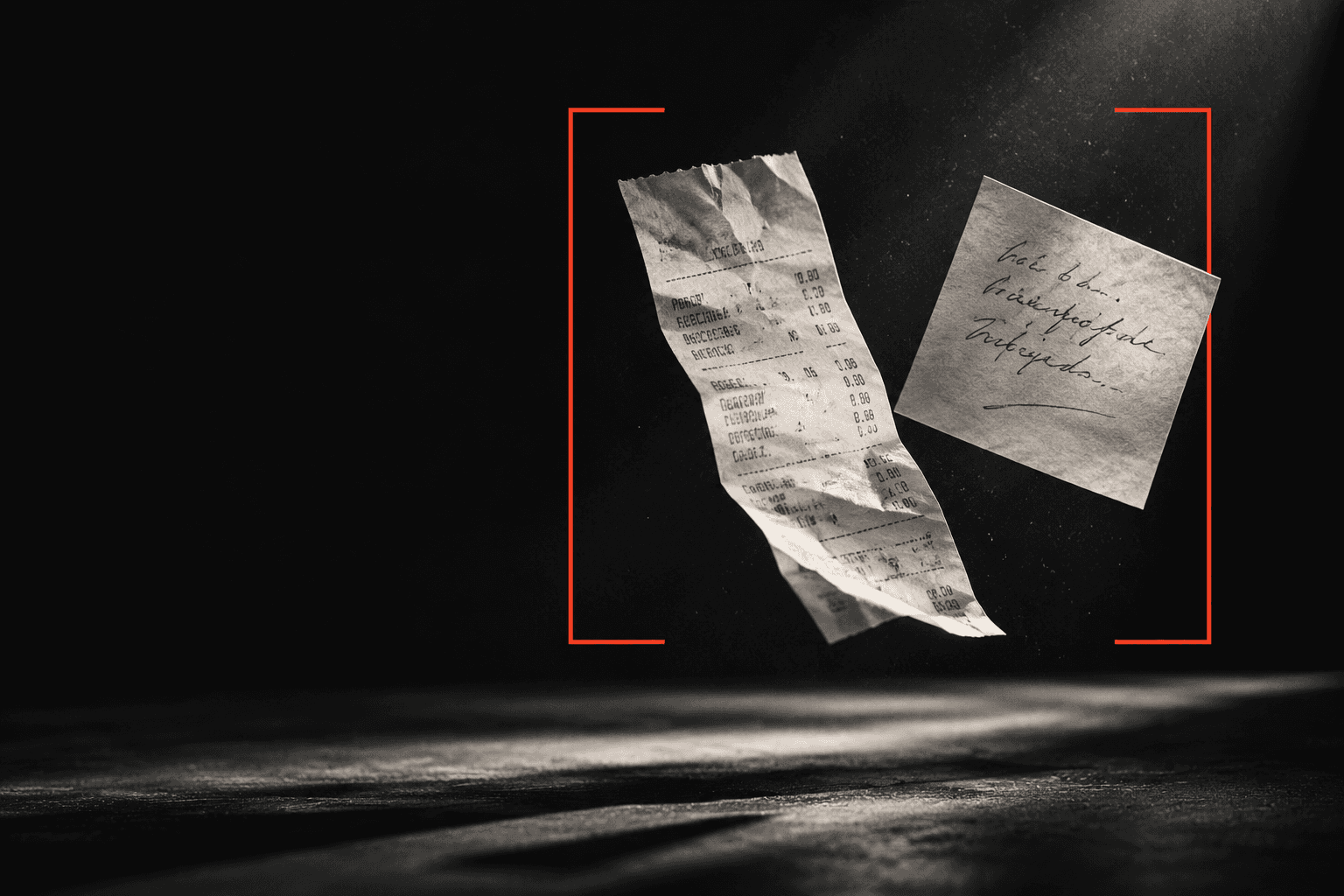
A page. A note. A photograph of something worth keeping.
Choose document or card mode, then use the camera or import images. Capture more than one page, retake a poor shot, and keep the original source for later edits.
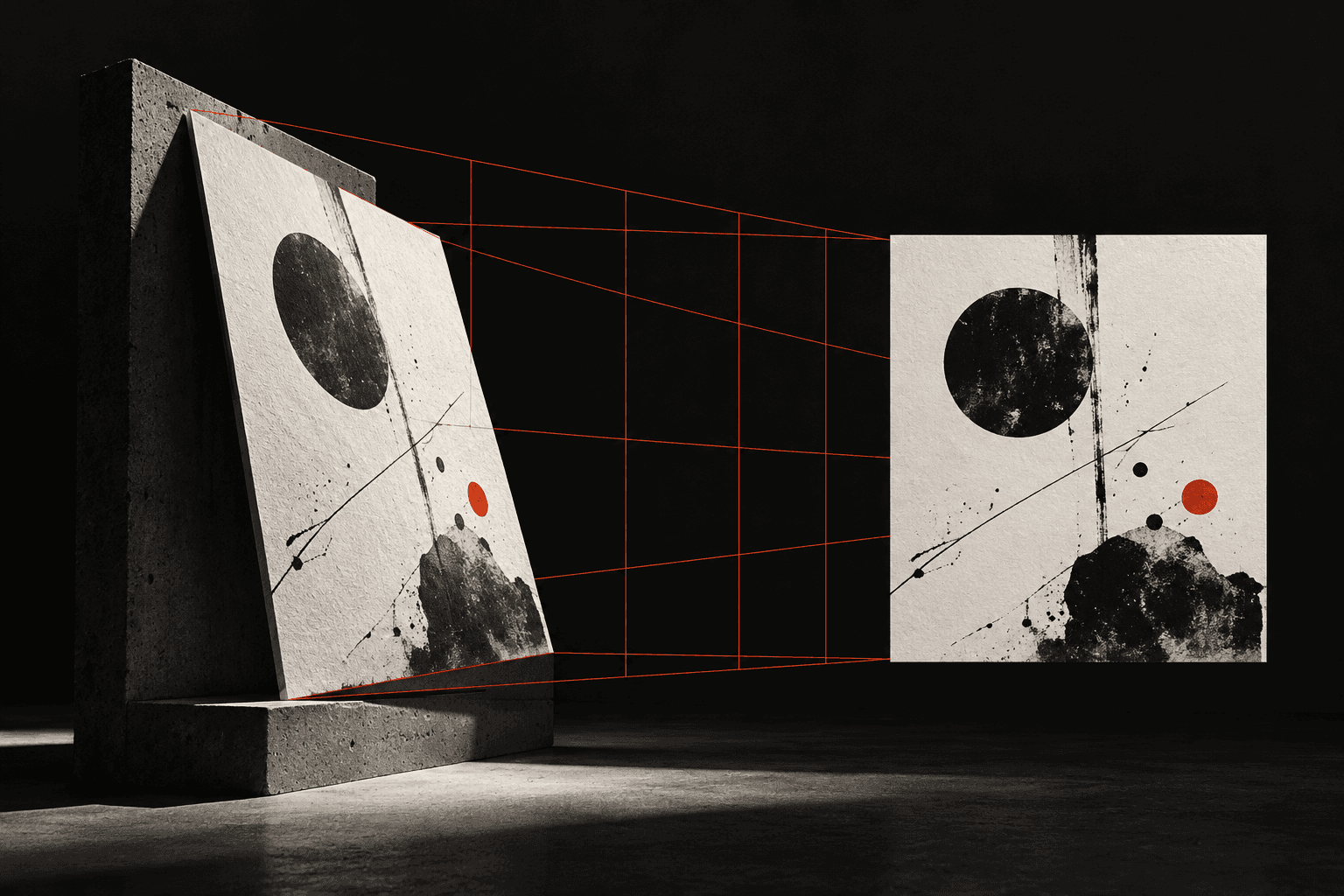
Find the corners. Straighten the perspective. Refine the light.
Adjust four corners manually or use detected boundary candidates. Perspective correction turns the selected surface into a rectangle; enhancement helps make its content readable. Revisit edits from the retained original.
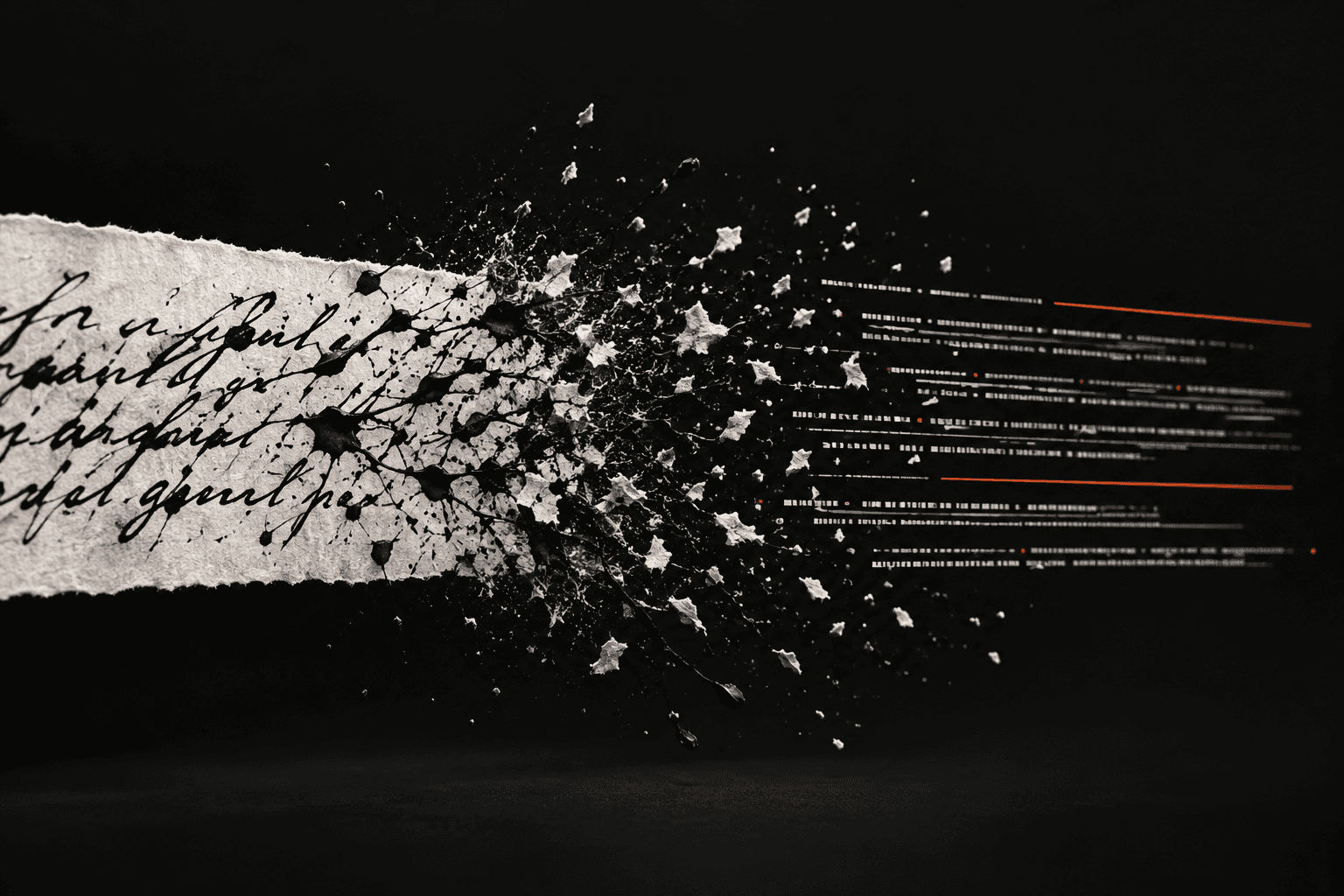
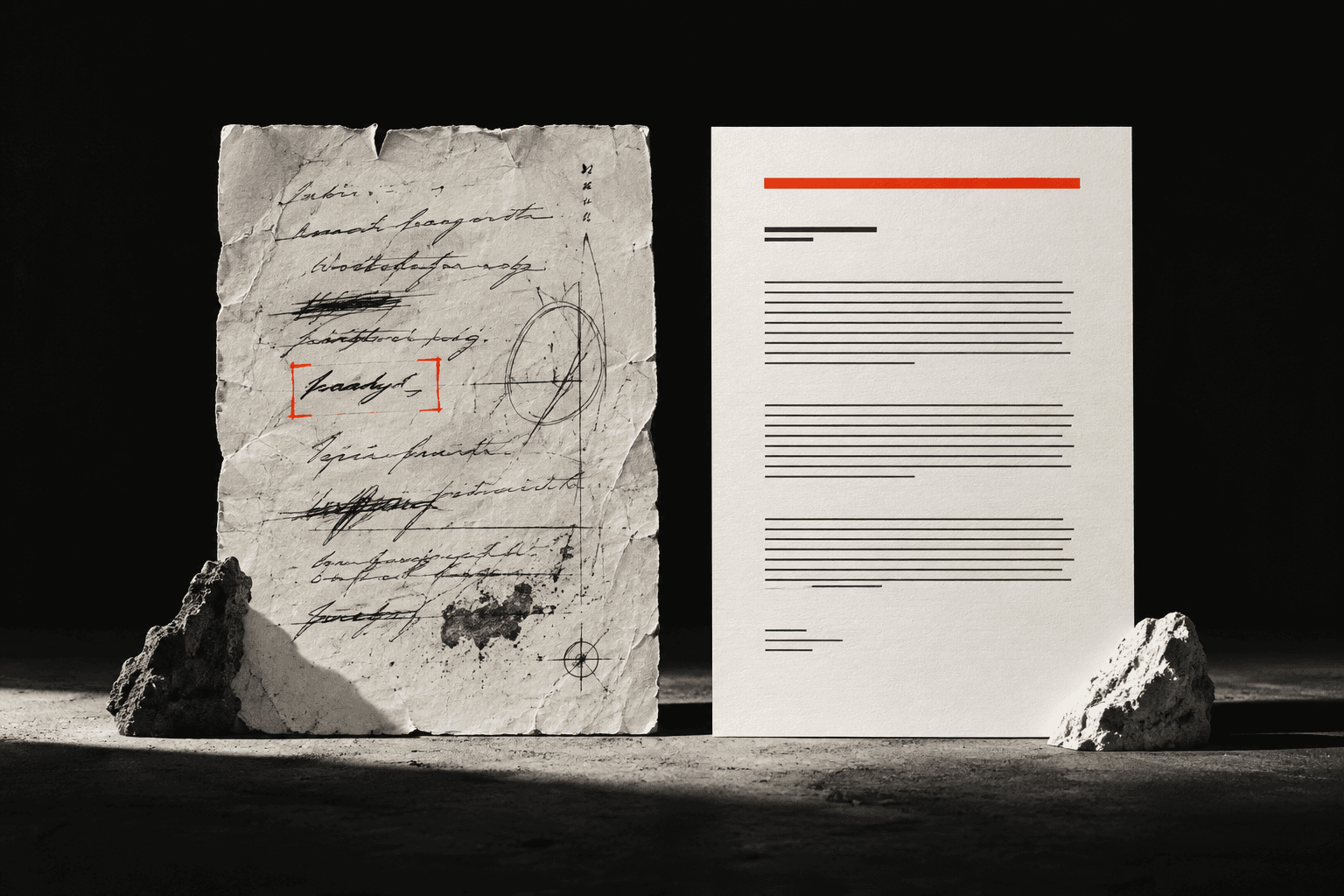
Recognition gives you a starting point. You give the words their final say.
The native app uses bundled ML Kit Latin recognition. Compare the recognized text with the document, correct the transcription, or queue unread regions for background OCR. Reviewed text and source geometry are kept distinct.
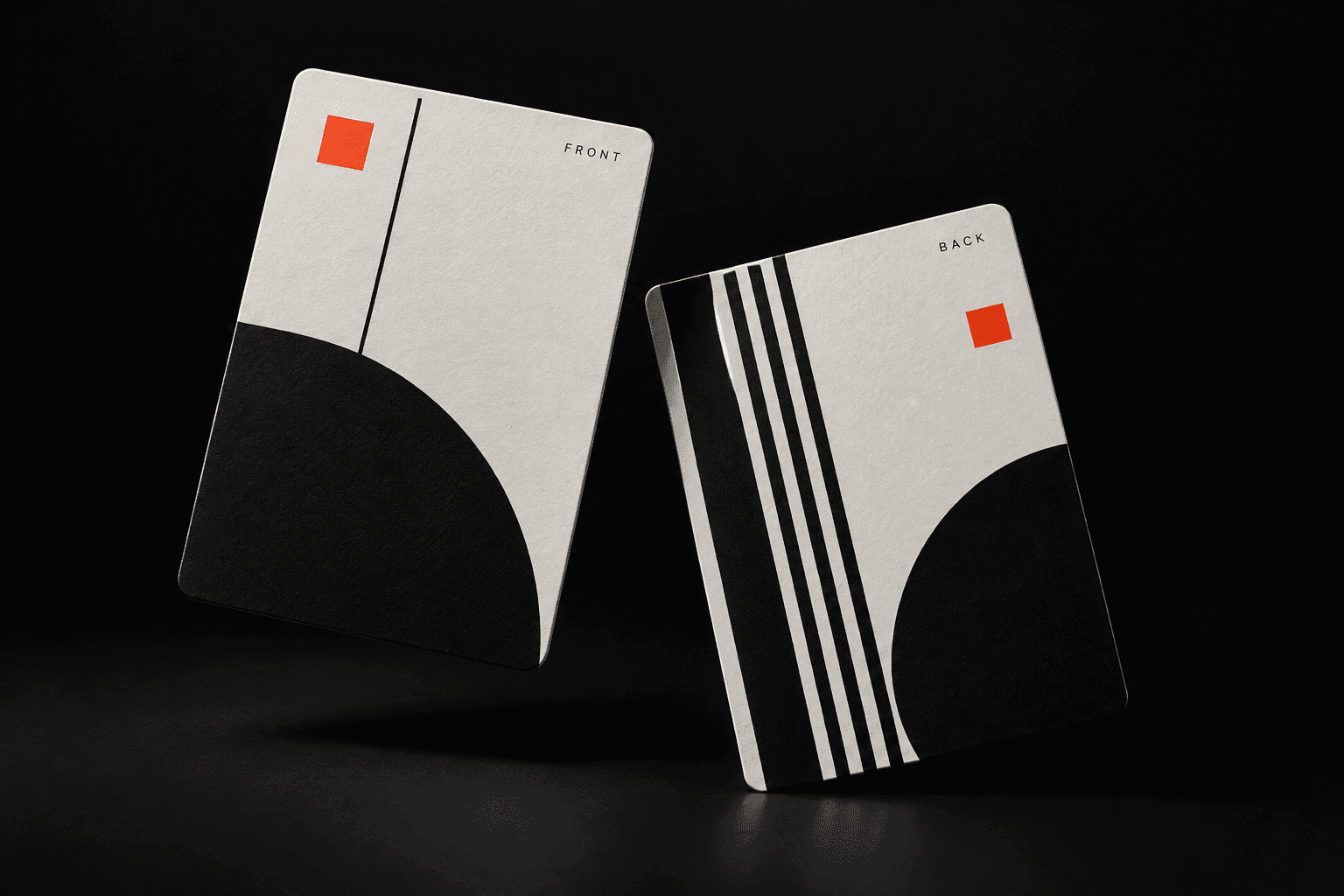
One document, many pages. Or several cards, together on a sheet.
Name the document, edit its regions, reorder pages, and remove what you do not need. In card mode, confirm the front and back labels and pairs yourself, then choose a stacked, side-by-side or grid arrangement.
Preserve the image or give the reviewed words a clean new page.
A searchable scan retains the visible page and adds an invisible word layer. A regenerated text PDF typesets the recognized or reviewed text. Inspect the output in PDF preview, then save it, open it externally or share it through Android.
Find the document again. Continue where you left off.
Documents and private images stay on the device. Browse saved work and drafts, search document titles and reviewed text, reopen document details, and continue editing. Rename or delete documents when their job is done.
A brief logo entry and two skippable onboarding steps introduce capture and text. Returning users go to the library.
Settings retain supported scan and export defaults. They do not add unsupported recognition languages or a cloud account.
The optional learning lab exposes original, grayscale, blur, edges, corners, warp and OCR geometry without replacing the document.
Room and private image files store the native workflow on-device. No cloud upload service or account is required for the scanner pipeline.
Explore all fifteen screens, or try the app flow in the Prototype tab.
Saved work and drafts
Document or card mode; camera or import
Capture tray and retake
Corners and separate regions
Readability treatments
Compare and correct text
Confirm sides and pairs
Name, edit, reorder or remove
Fit pages and arrange cards
Searchable scan or regenerated text
Inspect before saving
Open, edit or share
Find local titles and reviewed text
Supported scan/export defaults
Inspect image-processing stages