KEEPWHATMATTERS.
A scanner for the whole journey.
From the first shot to the final file.
FROM FIRST SHOT.
TO FINAL FILE.
START WITH
WHAT IS THERE.
A page. A note. A photograph of something worth keeping.
- Camera or image import
- Multi-page capture and retake
- Original images retained
READ IT.
REVIEW IT.
On-device recognition gives you a starting point. Your review gives the words their final say.
- Recognize
Bundled ML Kit reads Latin text on your device.
- Review
Compare the result with the page and correct the transcription.
- Batch
Queue unread regions for background processing, with cancellation.
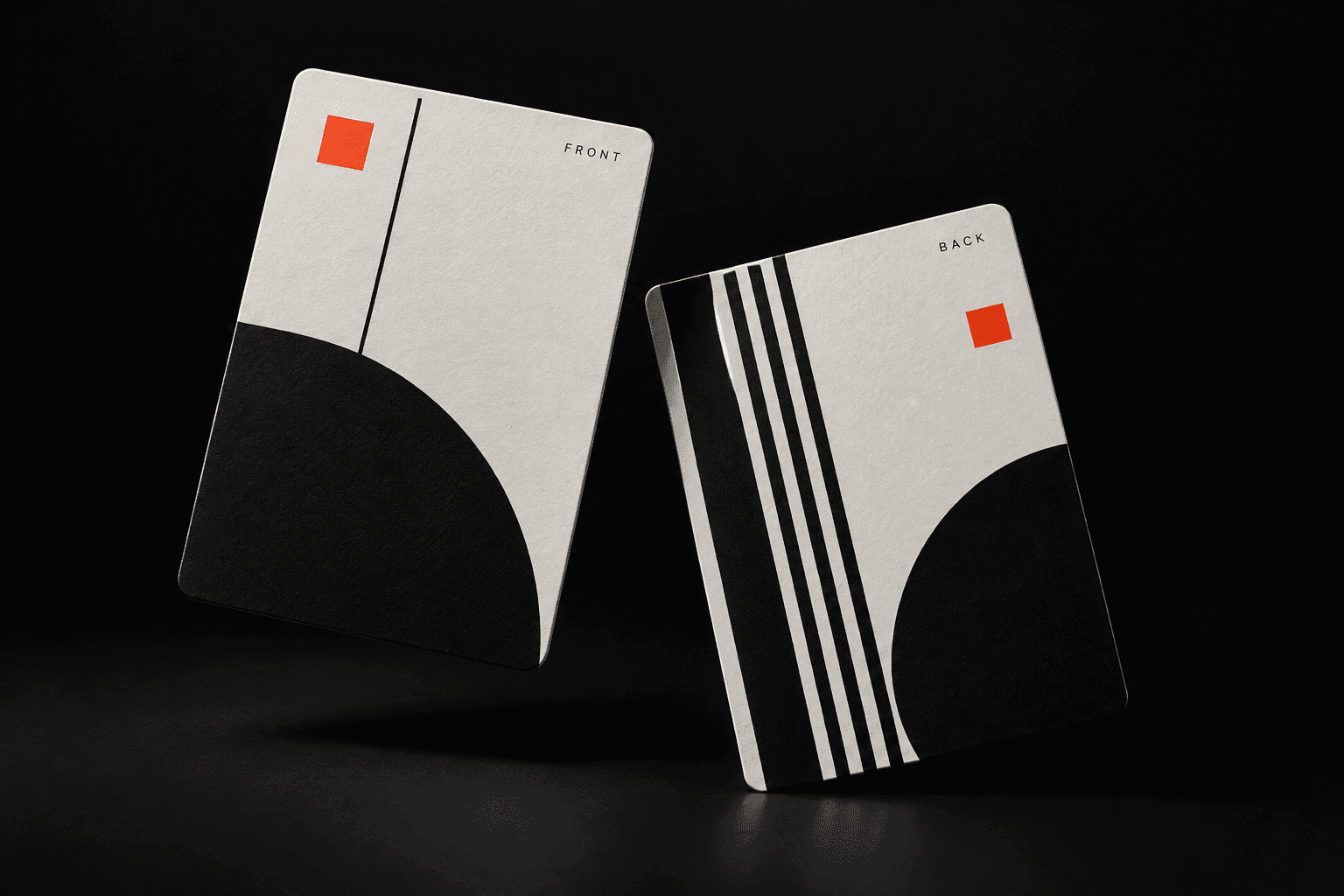
FRONT. BACK.
TOGETHER.
Confirm the sides and pairs yourself.
Arrange multiple cards on a page.
ONE DOCUMENT.
TWO WAYS OUT.
KEEP THE SCAN.
Preserve the visible page and add an invisible word layer for search and selection. Recognized word positions connect text to the image.
Changed paragraphs cannot be automatically aligned to the scan. Choose regenerated text, or re-read the source for searchable output.
- Preview
- Save
- Open
- Share
A PLACE FOR
EVERY PAGE.
Less hunting.
More finding.
Search local document titles and reviewed text. Reopen the document details and continue editing.
Your order.
Your next move.
Rename a document, reorder or remove pages, and revisit correction, review and layout.
On your device.
Within reach.
Private image files and a local database hold the workflow. Save or share the chosen PDF through Android.
THE DETAILS
DO THE WORK.
The journey includes more than capture and export. First-run guidance, supported defaults and a learning lab are part of the native app.
A considered first run.+
A brief logo entry and two skippable onboarding steps introduce capture and text. Returning users go to the library.
Defaults that fit your work.+
Settings retain supported scan and export defaults. They do not add unsupported recognition languages or a cloud account.
See what the image becomes.+
The optional learning lab exposes original, grayscale, blur, edges, corners, warp and OCR geometry without replacing the document.
Built around local work.+
Room and private image files store the native workflow on-device. No cloud upload service or account is required for the scanner pipeline.
SHOW THE WORK.
HANDWRITING IS PERSONAL.
THE RESEARCH IS ONGOING.
We adapted TrOCR on a custom writer-separated IAM partition. One training pass, a validation-selected checkpoint and an already-consumed frozen test.
Inside the experiment66.15%
EXACT LINES / FROZEN IAM TESTExperimental. The 75–80% target is not met.- 13,353
- LINE CROPS
- 2,861
- TRAINING UPDATES
- 1,028
- TEST LINES
REAL PHOTOS ARE
A DIFFERENT TEST.
47.93% targeted character error on 15 partially labelled development photos. This is not full-page accuracy. The foundation already used IAM, so the custom split does not establish unseen-corpus generalization.
The model is not integrated into the app. Mobile deployment, independent data and stronger full-page recognition remain open.
Read the measured results